✦ Open Source · Free · Cross-Platform
Markdown Preview
Done Right
A lightweight, fast, open-source desktop Markdown previewer with Obsidian-style rendering
Windows · Linux · macOS (planned)
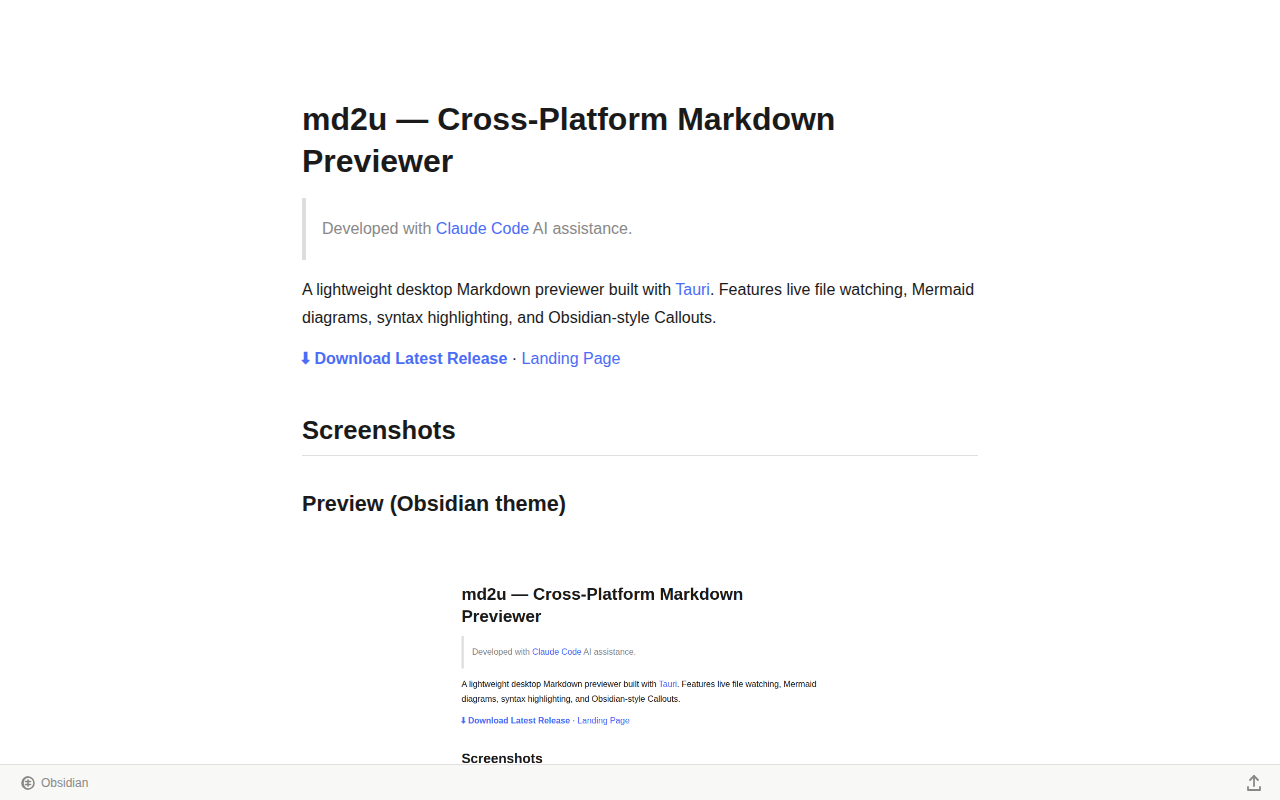
A lightweight, fast, open-source desktop Markdown previewer with Obsidian-style rendering
Windows · Linux · macOS (planned)
Every Markdown tool out there is either macOS-only, bloated, ugly, or closed-source
Windows 11 Notepad technically supports Markdown, but the rendering is rough — bad fonts, poor spacing, ugly code blocks. Reviewing docs in it feels like punishment.
Marked2 is the gold standard for Markdown preview on macOS: rich themes, powerful export. But switch to Windows or Linux and that experience disappears entirely.
VS Code, Typora, Obsidian are powerful but slow to start and memory-hungry. You just want to quickly preview a .md file — not launch an entire editor ecosystem.
Many cross-platform Markdown tools are closed-source — limited features, slow updates, subscription fees. When something breaks, you can only wait.
Double-click a PDF: clean, beautiful, readable. Double-click a .md file: a wall of #, **, and ``` symbols. Same document format, completely different experience.
md2u — a cross-platform Markdown previewer built with Tauri,
using the same rendering engine as Obsidian by default. Lightweight, open-source, runs on Windows and Linux.
No more compromises.
No bloat. Just great Markdown preview.
Drag a .md file to the window, or run md2u file.md. Renders instantly, auto-updates on save.
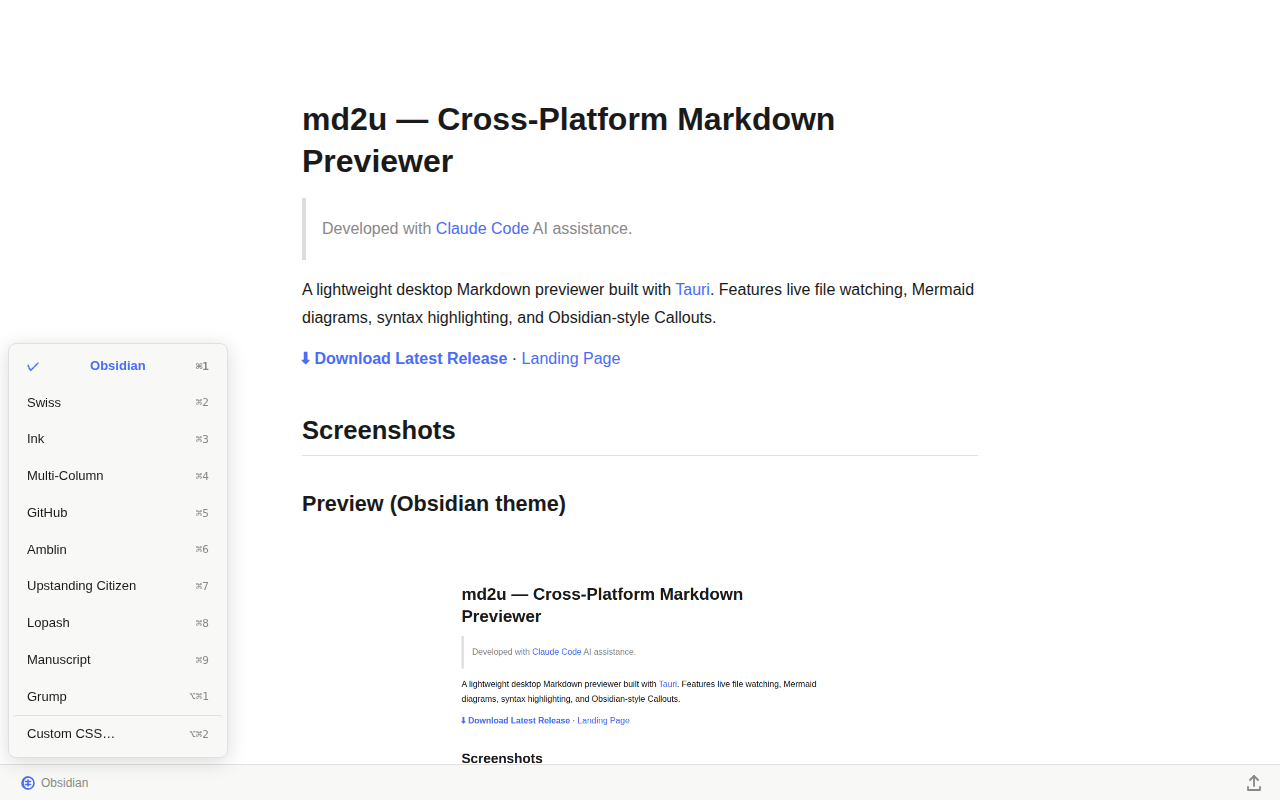
Built-in Obsidian, GitHub, Swiss, Ink, Multi-Column, Grump and more. Custom CSS supported. Switch with ⌘1–⌘9.
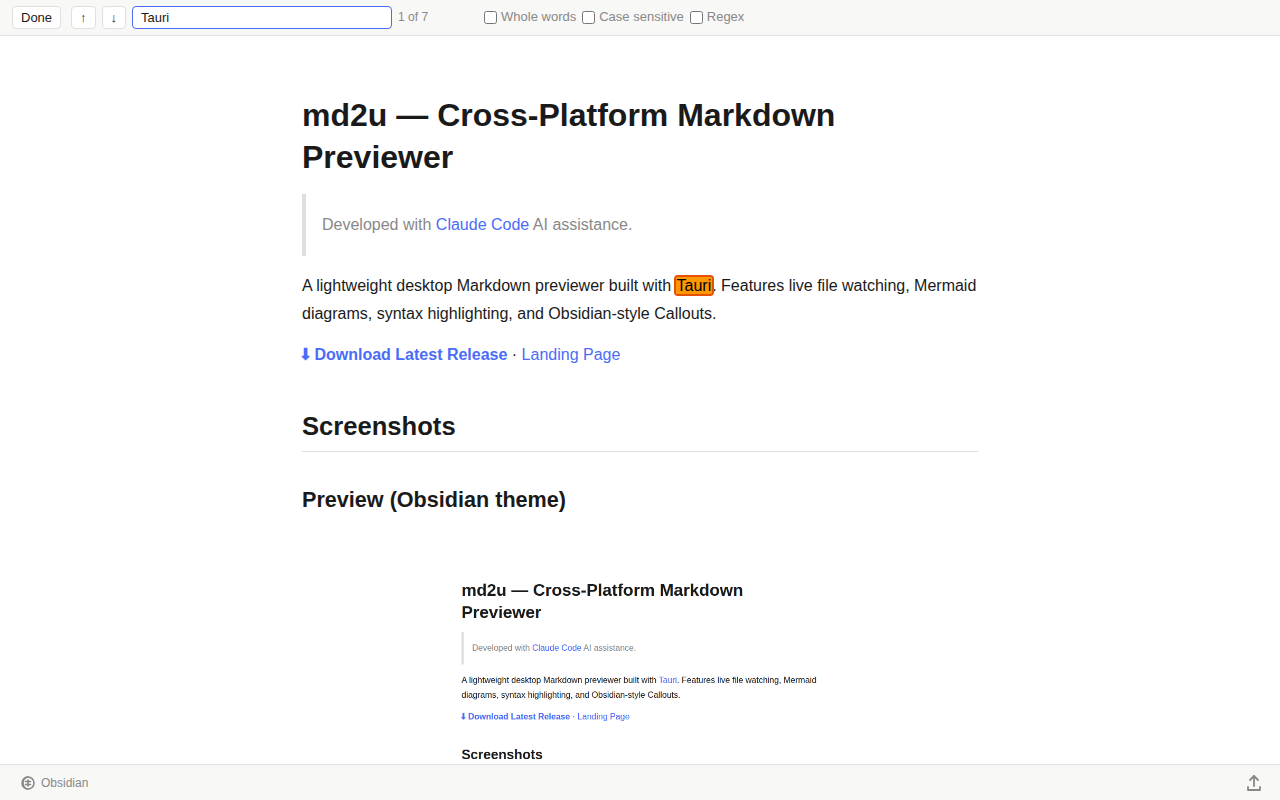
Ctrl+F / Cmd+F opens Find Bar with live highlight. Supports Whole words, Case sensitive, Regex.
Render flowcharts, sequence diagrams, Gantt charts inline. SVG preserved in exports.
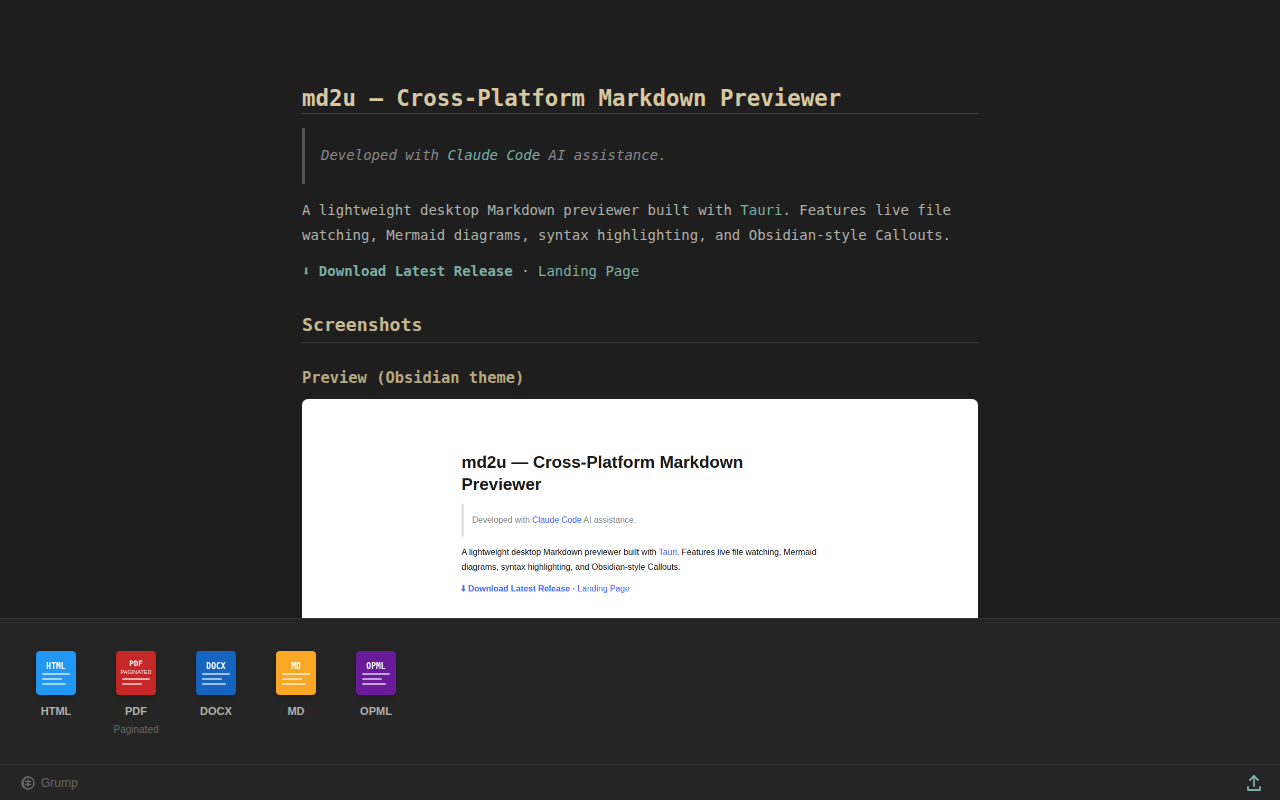
Export to HTML (with CDN), PDF (A4 paginated), DOCX, MD, OPML with one click.
GNU GPL v3 — free for any use including commercial. Source on GitHub, PRs welcome.
Clean, sharp — identical to how Obsidian renders your notes
Free download. Open source. No account required.
All releases are built by GitHub Actions and scanned by ClamAV / Windows Defender before publishing.
Build Log · Source · GNU GPL v3
⚠️ If your antivirus shows a warning: This app is not yet code-signed. Some heuristic scanners may flag unsigned open-source binaries as suspicious. We are currently applying for code signing through SignPath Foundation — thank SignPath Foundation for supporting open source projects like ours. Windows Defender and ClamAV both pass. Source code is fully public — verify it yourself or build from source.